Model designer
You have a finished mesh but want to inspect how its surfaces will read as separate color regions.
Review the model before committing to a print-oriented arrangement.
Browser-based workflow
A 3mf color editor online gives you a focused place to inspect model geometry, review color regions, and prepare a more intentional 3MF handoff before printing.
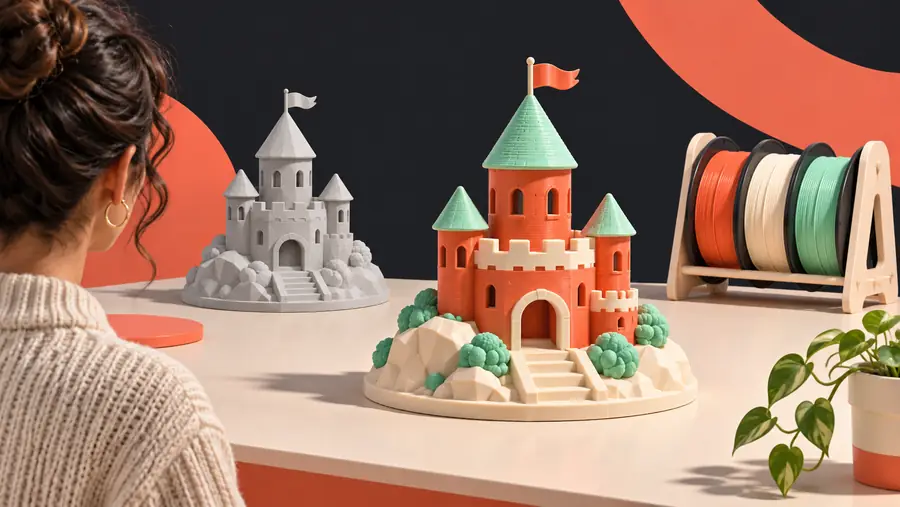
Related workflows
Choose the route that matches your file, printer workflow, or intended result.
Three useful surfaces
An online 3MF editor is most useful when it keeps inspection, color planning, and handoff close together.
You have a finished mesh but want to inspect how its surfaces will read as separate color regions.
Review the model before committing to a print-oriented arrangement.
You are preparing a multicolor object and need a clearer view of which areas should receive distinct treatment.
Turn a vague color idea into a more deliberate 3MF preparation pass.
You want to inspect or organize a 3MF project before continuing in a printer-specific environment.
Create a cleaner handoff instead of troubleshooting color decisions at the last stage.
A model looks correct as geometry but its color structure is unclear or inconsistent in the next application.
Use an online review step to identify what needs attention before export or handoff.
Simple sequence
The process stays focused on the file: open it, inspect the color structure, then continue with the prepared result.
Bring the model into the workspace and confirm that the geometry, parts, and visible color regions are present as expected.
Inspect the model from different angles, identify areas that need attention, and make the color plan easier to understand before handoff.
Use the reviewed project as the next input for your preferred slicer or printer-specific process, checking the final interpretation there.
Choose the right surface
The best route depends on whether you are still organizing the model or already tuning it for a particular machine.
| 3MF color editor online | Printer-specific workflow | |
|---|---|---|
| Primary focus | Inspecting and organizing color-aware 3MF content | Preparing a project for a specific printer and slicer |
| Best starting point | A 3MF file that needs review before handoff | A project already shaped around printer settings |
| Color planning | Useful for reviewing regions and intended assignments | Connected to the printer’s own material and tool setup |
| Hardware context | Keeps the first review separate from one printer model | Usually depends on the selected printer and profile |
| When to use it | Early or middle-stage file preparation | Final tuning before slicing or printing |
| Main trade-off | May require a later check in the destination workflow | Can add printer-specific detail before the model is organized |
Visual checkpoint
A before-and-after comparison helps separate the shape of the model from the color decisions that will guide the next stage.
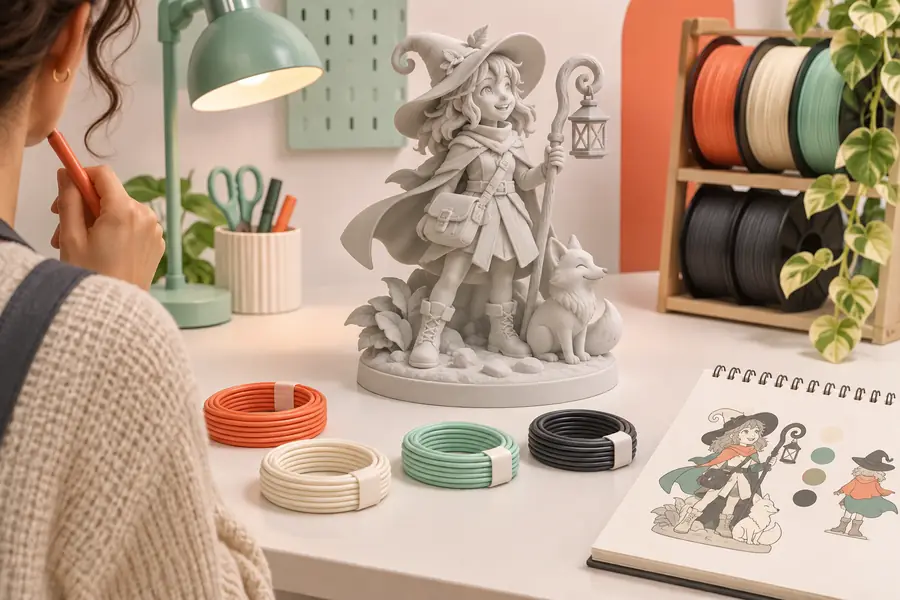
The final result still needs checking in the destination print workflow.
Before reviewAfter color planningKnow the boundaries
An online 3MF color editor can improve preparation, but it does not remove the checks required by your final print setup.
Screen colors, material behavior, layer transitions, and printer calibration can change how the finished object looks.
What to do instead
Preview and validate the project in the slicer or printer workflow you will actually use.
A general editing surface does not replace nozzle, material, purge, support, or machine-specific settings.
What to do instead
Apply those settings only after the model and color plan are organized.
A 3MF project can contain unexpected parts, names, assignments, or geometry that require inspection before editing.
What to do instead
Rotate the model, review its components, and correct unclear areas before handoff.
The quality of the result is limited by the structure and completeness of the uploaded 3MF project.
What to do instead
Start with the most complete source file available and keep a copy of the original.
Ready for the next pass
Use the 3mf color editor online workflow to make color decisions visible before they become printer-specific problems. Then continue with the application or machine setup that fits your project.
Common questions
It is a browser-based workspace for reviewing and organizing color-aware 3MF projects. It helps you inspect the model before continuing into a slicer or printer-specific workflow.
Compatibility depends on the structure and contents of the file. A well-formed 3MF project is the best starting point, but you should still inspect its parts, geometry, and color information after opening it.
Not necessarily. An online editor can support the preparation and review stage, while a slicer remains responsible for printer-specific settings, slicing, and final print preparation.
You can organize and review the model’s intended color regions online. Before printing, confirm material assignments, tool or filament settings, and the final preview in the workflow connected to your printer.
Early review can reveal unclear parts, unexpected assignments, or color decisions that are difficult to diagnose later. It gives you a cleaner handoff into the final print workflow.